Custom 3D Figure Generation From Standard Smartphone Photos
Use standard smartphone photos for custom 3D figures with clear face photos, outfit references, pose ideas, props, and helpful order notes.
Published
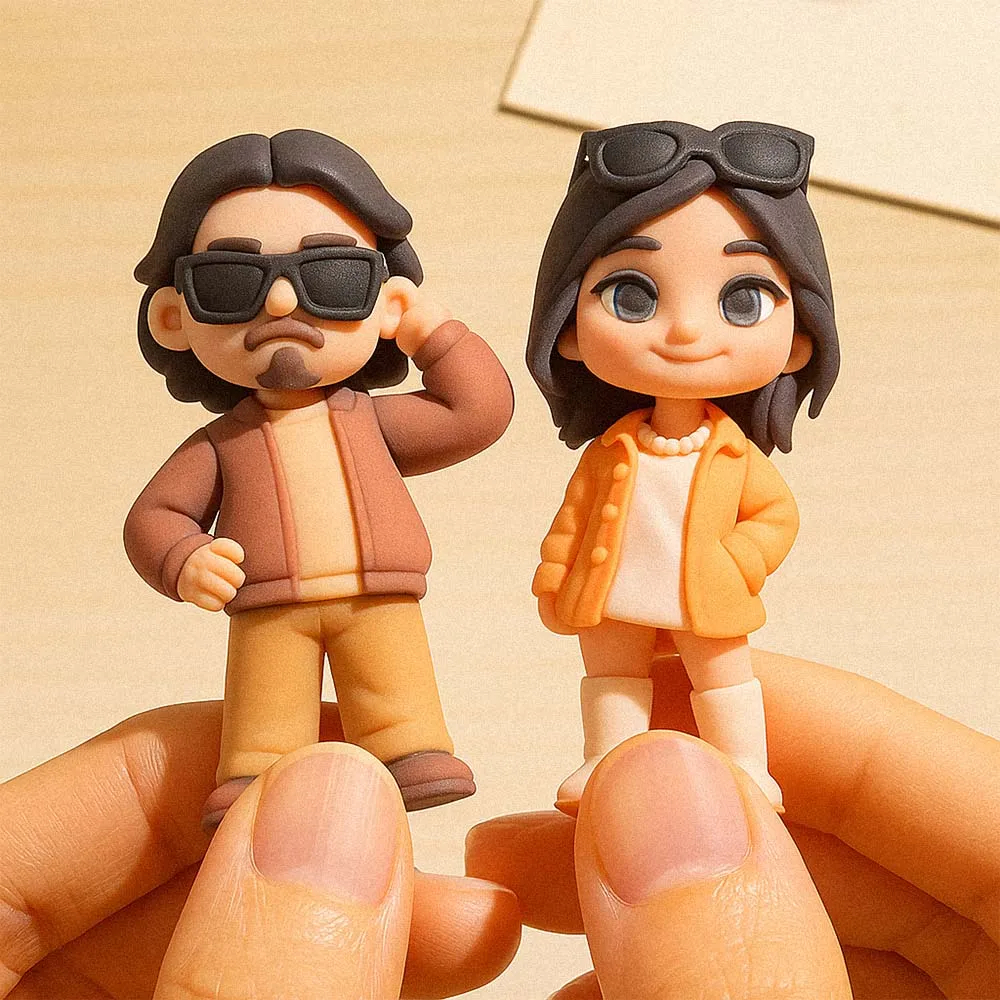
You do not always need studio photos to order a custom 3D figure. A good smartphone photo can be enough, especially when it is sharp, well lit, and shows the person's face clearly. The challenge is choosing photos that help the figure look recognizable instead of relying on blurry screenshots or distant group pictures.
This guide explains which phone photos work best when ordering a custom 3D figure from photo.
The Best Smartphone Photo Setup
Use natural light when possible. Stand near a window or outside in open shade, keep the camera steady, and take the photo at face height. Avoid strong shadows, backlighting, heavy filters, sunglasses, and extreme angles.
A clear front-facing portrait is the most important reference. Add a second photo for outfit, body shape, hairstyle, or pose. If the figure is for a couple, child, team member, or family member, provide clear individual photos rather than only a group shot.
Photos That Usually Work Well
- A bright front-facing portrait with the full face visible.
- A full-body outfit photo if clothing should be matched.
- A side or three-quarter view when hairstyle or profile matters.
- A pose reference showing how the figure should stand or hold props.
- A separate prop reference for tools, pets, instruments, sports gear, flowers, or signs.
Photos to Avoid
Avoid small screenshots, heavily edited selfies, photos with strong beauty filters, dark party photos, helmet-covered faces, sunglasses, and images where the person is far from the camera. These can still be useful as secondary references, but they should not be the main face photo.
If you only have an older or lower-quality photo, pair it with a newer clear portrait and explain which details should be used from each image.
How Many Photos Should You Upload?
For a simple figure, two to four photos are usually enough: face, outfit, pose, and prop. For wedding, profession, sports, or family figures, include extra references for clothing, accessories, and base text.
More photos are helpful only when they clarify the design. Too many unrelated images can make the direction less clear. Choose the photos that best answer face, outfit, pose, and detail.
What to Write in the Notes
Your notes should explain the occasion, preferred pose, outfit color, important props, deadline, and anything that should not be included. If one photo is only for the face and another is only for clothing, say that clearly.
Before ordering, you can also review the 3D figure customization options to decide which details are worth specifying.
FAQ
Can I use a selfie for a custom 3D figure?
Yes, if the selfie is sharp, well lit, and not heavily filtered. A second outfit or pose photo is still helpful.
Is one photo enough?
One clear portrait may be enough for a simple design, but extra outfit and pose references usually improve the result.
Can I use separate photos for face and clothing?
Yes. Explain which photo should be used for the face and which should be used for outfit, pose, or accessories.