Photographing Your Custom 3D Figure for Social Media
Photograph custom 3D figures for social media with soft lighting, clean backgrounds, strong angles, detail shots, gift photos, and simple editing.
Published
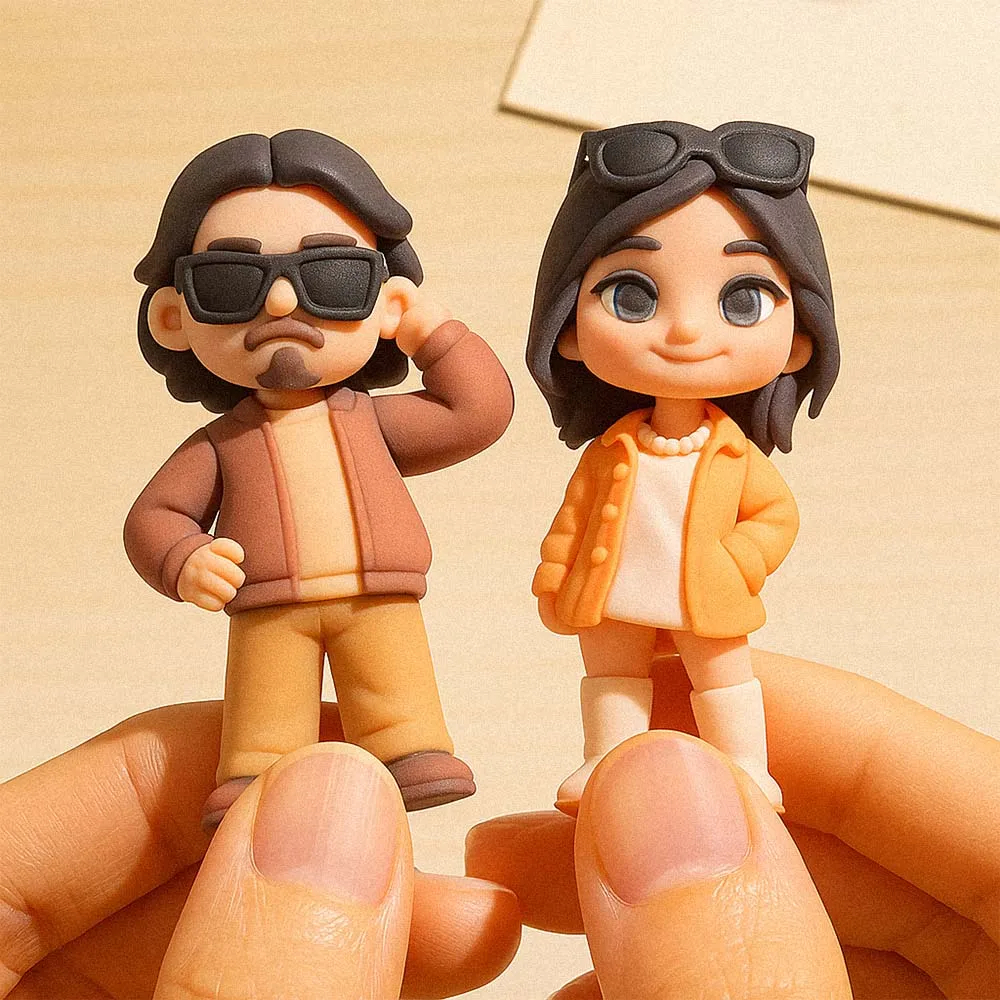
A custom 3D figure is already personal, but good photos make it easier to share. Whether you want to post it on Instagram, TikTok, Facebook, Pinterest, a shop page, or a family group chat, the right lighting and background can make the figure look more polished.
You do not need a studio setup. A clean surface, soft light, and a few thoughtful angles are enough for most custom figure photos.
Use Soft Light First
Place the figure near a window or in open shade. Soft light helps show the face, outfit, paint, and props without harsh shadows. Avoid direct noon sunlight, overhead room lights, and flash unless you are intentionally creating a strong effect.
If the figure is glossy or has detailed paint, move it slightly until reflections are less distracting.
Choose a Simple Background
A plain desk, shelf, fabric backdrop, cake table, office counter, or neutral wall works well. Keep the background from competing with the figure. If the custom figure includes props, make sure those props are visible and not hidden by clutter.
For wedding or gift posts, include one small context item such as flowers, a card, ribbon, or cake detail. For profession figures, a desk, tool, notebook, or workspace can make the photo feel more relevant.
Best Angles to Capture
- Front view: shows the face, outfit, and main pose.
- Three-quarter view: often makes the figure feel more dimensional.
- Detail shot: focuses on props, base text, uniform, pet, bouquet, or accessory.
- Context shot: shows the figure on a desk, shelf, cake table, or gift setup.
- Reaction shot: captures the recipient opening or holding the figure.
How to Post a Gift Figure
If the figure is a surprise gift, take a clean photo before wrapping it. After gifting, take a second photo with the recipient or display setup. This gives you both a product-style image and a memory image.
For a custom 3D figure from photo, you can also post the reference photo beside the finished figure if the recipient is comfortable with it. This makes the transformation easier for viewers to understand.
Small Editing Tips
Crop out clutter, brighten the image slightly, and keep colors natural. Avoid heavy filters that change skin tone or figure details. If you are posting a business or corporate gift, keep the edit clean and professional.
FAQ
What is the best lighting for custom figure photos?
Soft window light or open shade usually works best because it shows detail without harsh shadows.
Should I include the original photo in the post?
You can, if the recipient is comfortable with it. A before-and-after post often helps people understand the personalization.
How do I photograph small props clearly?
Use a closer detail shot, tap to focus on the prop, and keep the background simple so the accessory is easy to see.